Quick answer: Give suppliers the same brief, compare included work and ongoing responsibilities, then compare cost. A cheap website becomes less cheap when every ordinary update needs a new quote.
Jump to: Practical table · Checklist / record
For: owners comparing website-build proposals. The worksheet is an editorial planning method. Prices are hypothetical, not market estimates or legal advice.
Decision gate: An unanswered essential item stays unresolved, even if the headline price is attractive.

- Send the same job to every supplier
- Compare deliverables before totals
- Define what finished means
- A worked example: the lower quote is not yet a fair comparison
- Ask the future operator to try the work
- Make uncertainties visible before agreeing the project
- Choose the proposal you can operate
- A proposal decision record
- Useful detail: Ask the supplier to find a missing mobile element
- Sources and editorial basis
Send the same job to every supplier
Before asking for prices, write a short brief that every supplier receives. Name the audience, the service you sell, the action a visitor should take and the person who will maintain the site. Include the pages and the content types you expect to update. A quote for five fixed pages is not the same job as a site with a growing case-study library. Send each supplier the same dated brief and ask them to list assumptions separately; otherwise the totals describe different jobs.
List what you already have: approved copy, photographs, a domain, an existing website and access to its accounts. Mark uncertain items as uncertain. If the supplier must write the copy or recover access to an old account, that is work to price. If an input is missing, assign who will provide it and ask for the cost or schedule effect before comparing the quotes.
Compare deliverables before totals
On a small screen, swipe the table sideways to see all columns.
| Area | Ask each supplier to state | Evidence before acceptance |
|---|---|---|
| Pages and content | Named pages, content types and who supplies copy | A page inventory linked to the agreed brief. |
| Customer journey | Forms, booking, notifications and destinations | A completed test enquiry received by the right person. |
| Editing | Exactly what the owner can change | The normal operator completes a representative edit. |
| Reviews and changes | Included review rounds and how new requests are priced | A written change process and unresolved-item list. |
| Ownership and handover | Business accounts, files, licences and documentation | Owner access and a usable handover pack. |
| Ongoing care | Recurring services, response scope and exclusions | A named contact, agreed responsibilities and renewal costs. |
Ask suppliers to mark each item included, optional, excluded or needing clarification. Do not turn a blank cell into “included.” If two proposals use different assumptions, request a revised comparison for the same scope. If a mandatory item is excluded, add a priced option or ask both suppliers to re-quote. Keep an unresolved item open rather than silently treating it as included.
Define what finished means
Replace “mobile-friendly website” with checks someone can perform: the main pages are readable at the intended screen sizes, the navigation works, and a visitor can complete the agreed contact route. Ask who performs these checks and who fixes a failed result. The specific acceptance criteria should match the project.
Include content accuracy, links, forms and editing in the acceptance discussion. A page can look polished while an enquiry goes to the wrong inbox. If search-related setup is included, ask which concrete configuration and verification tasks are being delivered. Keep those tasks separate from promised traffic or sales.
Agree how issues discovered during review will be recorded and closed. Use a short issue register with the page, expected result, observed result, owner and status. A screenshot helps locate a problem; it does not by itself explain what the page should do.
A worked example: the lower quote is not yet a fair comparison
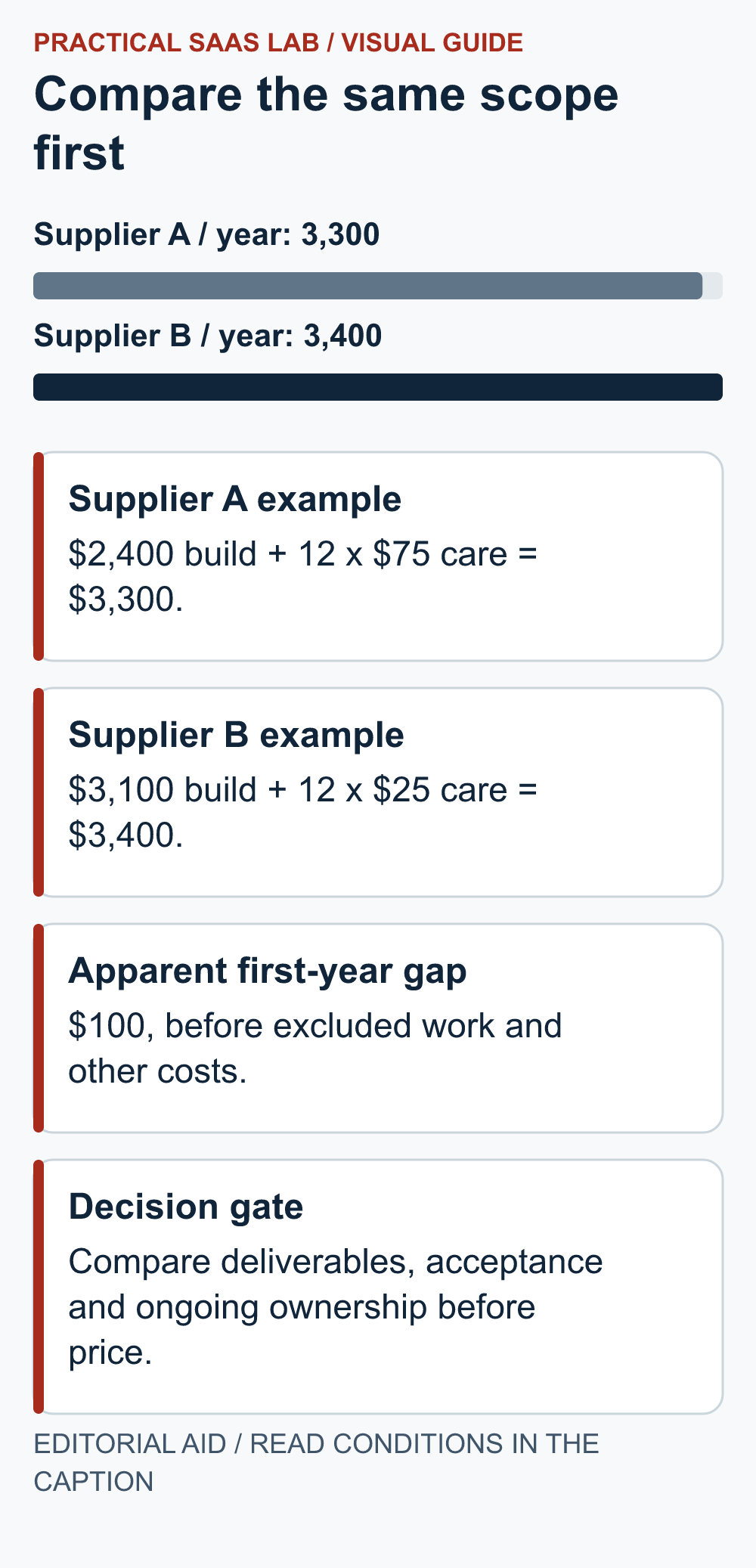
Illustrative proposals: Supplier A quotes $2,400 for the build and $75 per month for care. Supplier B quotes $3,100 for the build and $25 per month for care. Ignore tax and currency differences for this example, and assume both monthly charges run for all twelve months.
The first-year quoted cash totals are $3,300 for A and $3,400 for B. That $100 gap is smaller than the cost of many omitted tasks, so compare scope before declaring A cheaper. Suppose A excludes copy preparation, estimated separately at $500, while B includes the agreed copy. A becomes $3,800 on that adjusted scope. These are invented numbers, not market-price benchmarks.
Now inspect the care packages. If A includes routine content changes and B covers only technical maintenance, they are still not equivalent. Price the missing work, or record that the owner will do it and estimate the time. Show cash and owner workload on separate lines. For example, record “two routine edits a month by the owner” as an assumption to test with the future operator, not as a fabricated invoice cost.
Ask the future operator to try the work
The owner who buys the website may not be the person who updates it. Include the actual operator in a short demonstration using representative tasks: change service hours, replace an image, update a price or add a case study. Ask which tasks require the supplier and which the team can perform.
Check whether the demonstration uses the proposed configuration and plan. A feature shown in a supplier’s own site or a more expensive edition is not evidence that it is included in your quote. If a task requires training, include the training scope and a reference guide the operator can use afterwards.
Make uncertainties visible before agreeing the project
Record payment milestones, expected client inputs, review deadlines and the treatment of work outside scope. Confirm who manages third-party renewals and what happens when the ongoing service ends. For legal interpretation of a contract, use an appropriate adviser; this is an operational comparison worksheet, not contract advice.
Do not assume the business owns every image, font, plugin licence or editable source file. Ask the supplier to identify what is transferred, what is licensed, and what depends on an ongoing subscription. Keep the explanation understandable enough that a future maintainer can act on it.
Choose the proposal you can operate
Prefer a proposal that answers the essential questions and makes the future workload clear. A higher price can be reasonable if it covers work you otherwise must buy or perform, but price alone is not proof of quality. Ask for relevant evidence and a demonstrable delivery process.
Pause the decision if an essential item remains undefined, the ownership arrangement is unclear or the required customer journey cannot be demonstrated. A polite request for clarification is cheaper than a long argument about what “complete” meant.
A proposal decision record
Shared brief version and date:
Mandatory pages and customer journey:
Included / optional / excluded items:
First-year cash total and assumptions:
Recurring costs and owner workload:
Acceptance tests and reviewer:
Accounts, licences and handover:
Open questions and supplier responses:
Chosen proposal, reason and unresolved conditions:
Keep the completed comparison with the final agreed scope. During delivery, use the same acceptance checks rather than inventing a new definition of success at the end. That gives both the business and the supplier a clearer finish line.
Useful detail: Ask the supplier to find a missing mobile element
Wix Editor provides a Hidden on Mobile panel for desktop elements absent from the mobile version.
Use this as one concrete supplier demonstration if Wix Editor is proposed. For another builder, ask for the equivalent maintenance task instead of judging only a polished desktop mock-up.
Try this:
- Choose the enquiry button or one essential service condition.
- Ask the future operator to find it in the public mobile view.
- Have the supplier demonstrate how to restore it and include that responsibility in the handover scope.
Source: Wix Editor: hidden mobile elements. Checked October 3, 2026. The practical check is a PSL suggestion.
Sources and editorial basis
Original Practical SaaS Lab proposal-comparison framework. Confirm deliverables, fees and terms in each supplier’s actual written proposal. Reviewed September 29, 2026. The workflow and examples are editorial proposals, not measured customer results.
Keep going: Prepare the service-page brief · Plan the handover